Invite a candidate
- Click the menu at the top left
- Select Hiring
- Go to the job opening and select a candidate
- To send them an invitation to complete the questionnaires, click Move to next stage > AssessFirst
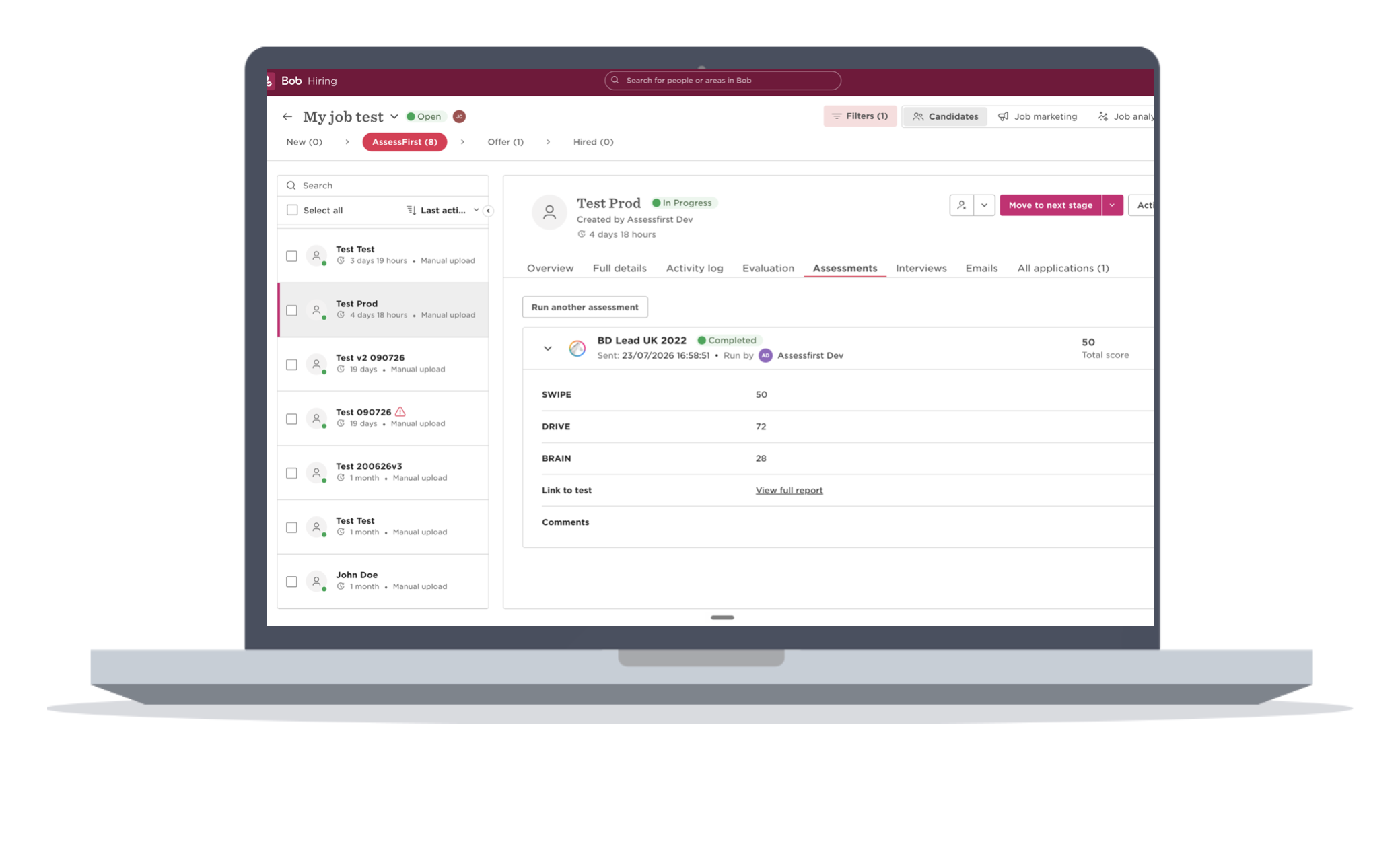
- Then go to the AssessFirst tab, then on your candidate's profile, click Assessments
- Next, click Run assessment, select AssessFirst, choose the predictive model, then click Run
- You will then see the status Assessment sent along with the predictive model you chose
Retrieving results
- Once the candidate has completed the questionnaires, the assessment status changes to Completed
- To view the results, you can expand the panel. You'll find a breakdown of the results for each test, as well as the option to view the full report
To learn how to activate the integration with Hibob, click here.