A new integration between AssessFirst and TeamTailor is now available.
The new integration allows you to:
-
Send new emails
-
Send questionnaires configured in a Predictive Model (e.g., Swipe only)
-
Send Voice / Scan questionnaires
If you already have the old integration activated, you can now activate the new integration.
To continue receiving the results of invitations sent via the old integration, it is important not to delete the old integration until you have received all results sent through it.
Steps to follow:
1/ In the TeamTailor application
-
Go to Settings → Integrations → Activation Marketplace
-
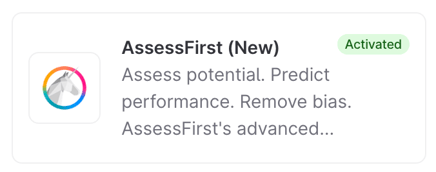
Search for AssessFirst and click Activate.
-
Copy the token (Integration Key).
2/ In the AssessFirst application
-
Go to the logo in the top left → Integrations (from the Recruiter space)
-
Search for TeamTailor V2
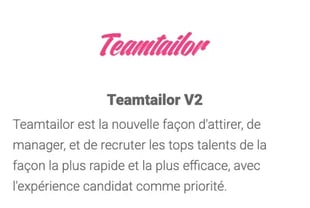
Activate the integration and fill in the following two fields:
-
Token: The key you copied from TeamTailor
-
Company ID: You can find it in your TeamTailor URL
-
Example: n9q6ufFdOAU (do not include the part starting with @)

-
Your integration is now activated!
3/ Send invitations and update your automatic triggers
Manual invitation:
For now, you will have both integrations available. You can send all new invitations using the new integration: “Send questionnaires.”
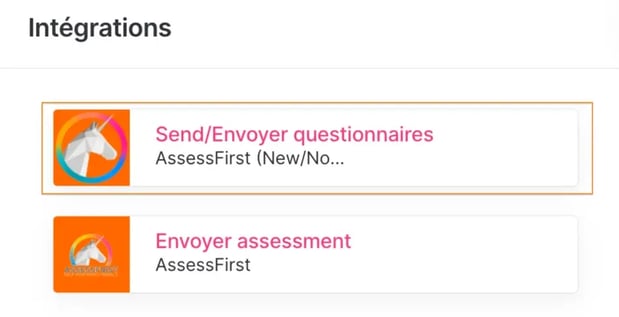
Automatic trigger:
Update your automatic triggers to use only the new integration.

4/ Disable the old integration (after a few weeks)
Once you have received all the results from invitations sent via the old integration, you can remove the old integration from the TeamTailor Marketplace.