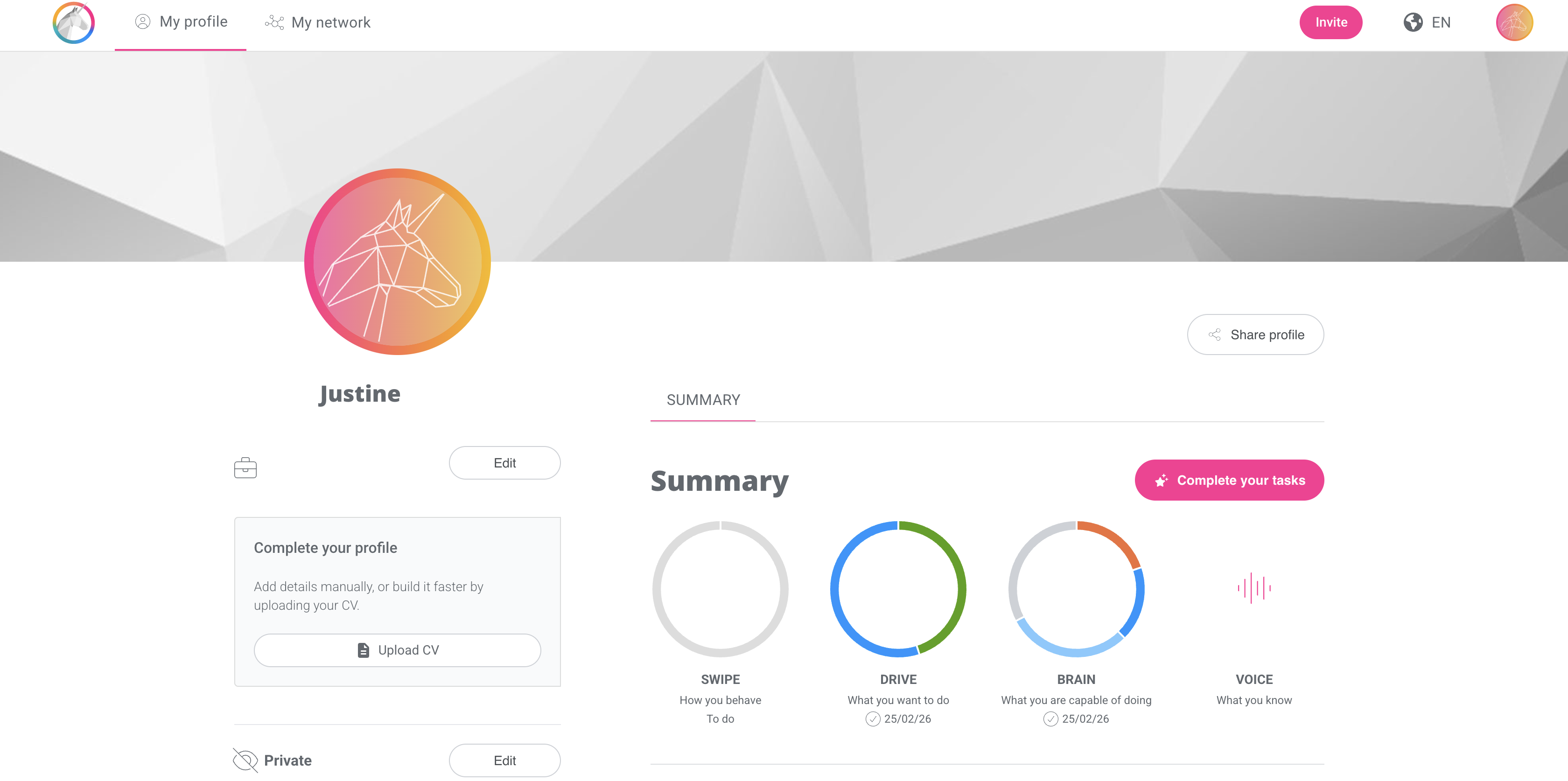
This article provides step-by-step guidance, from receiving the invitation by email to completing your SCAN screening interview.
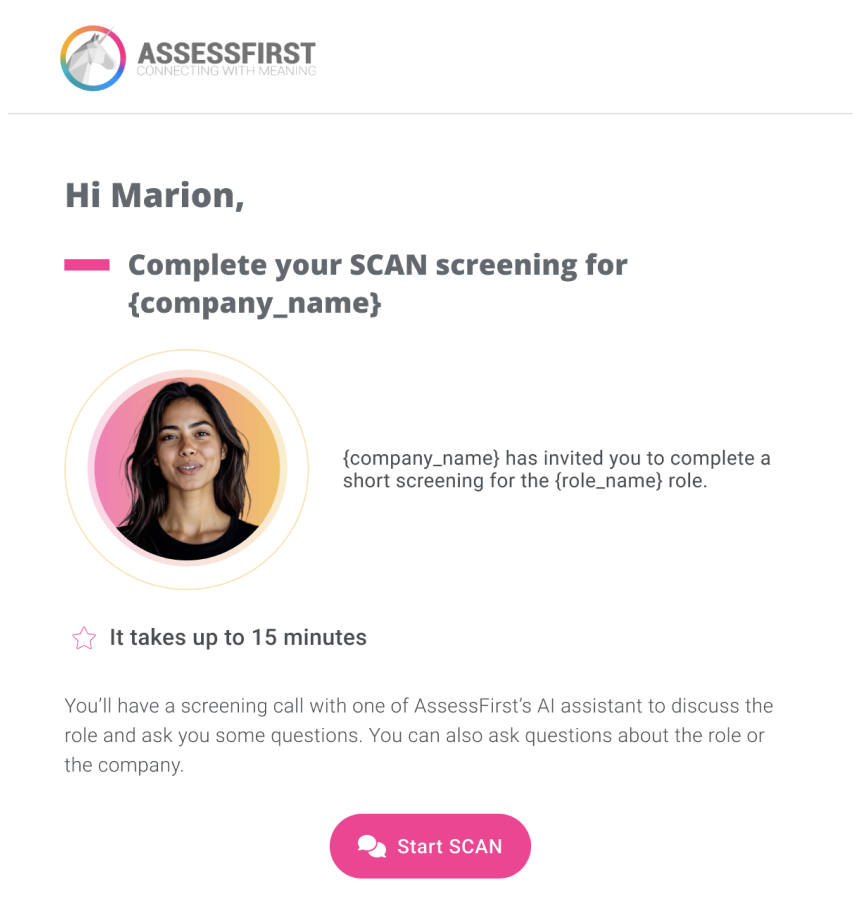
1. After receiving the invitation email from your recruiter, click on the pink ‘Start SCAN’ button.
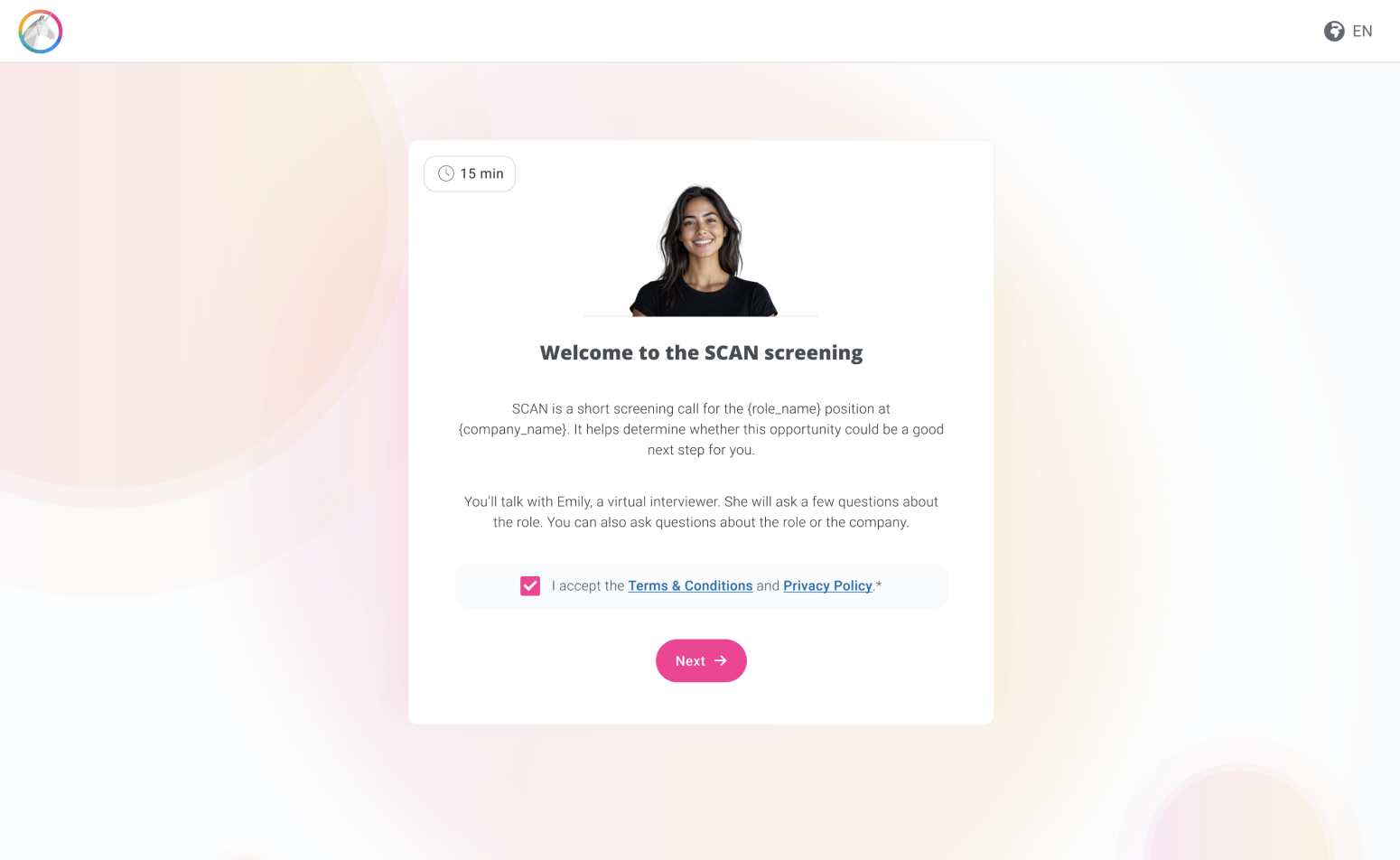
2. Accept the terms and conditions in order to proceed to the screening stage.
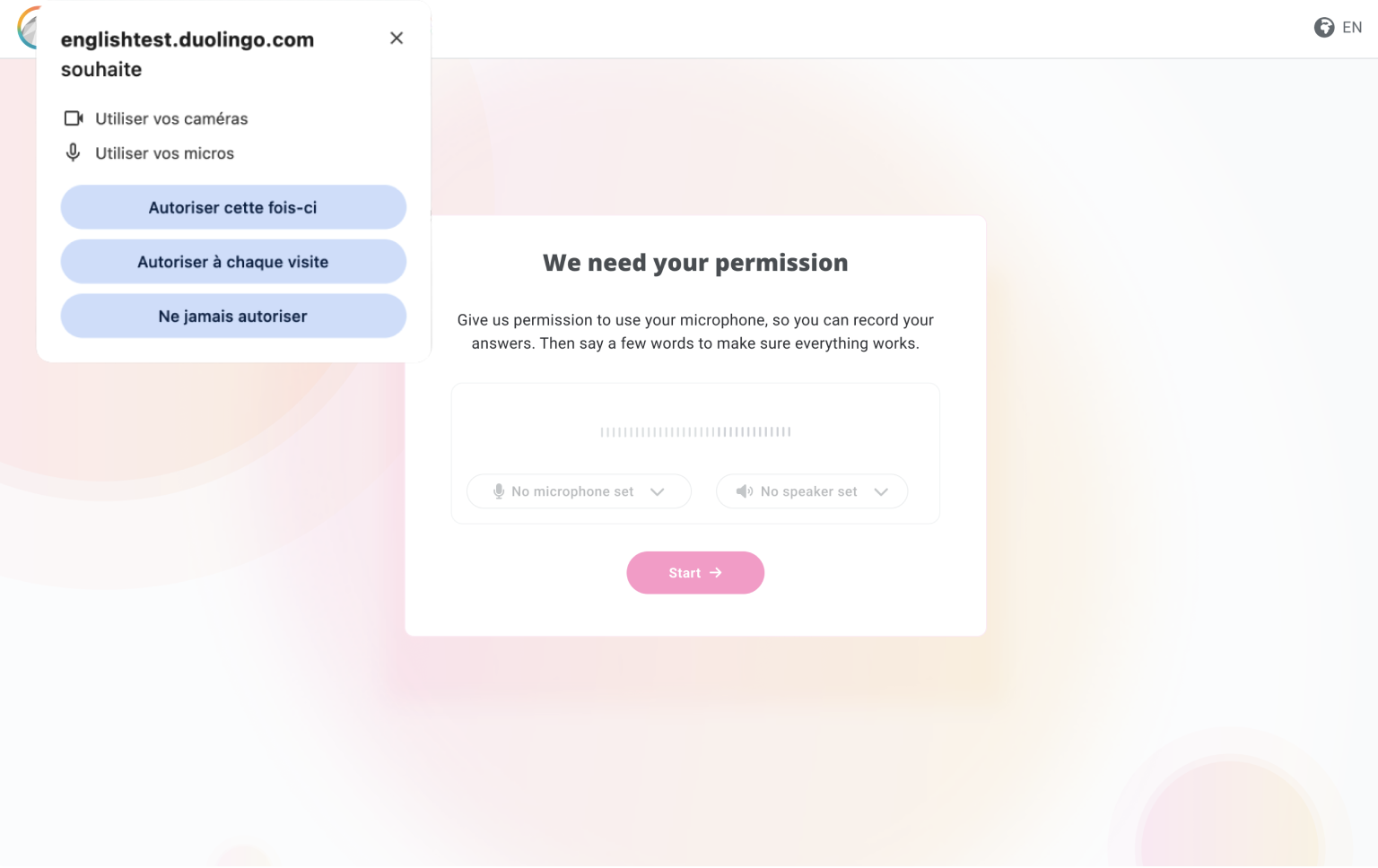
3. Allow access to your microphone so you can interact with our virtual assistant.
4. You can now begin your screening interview.
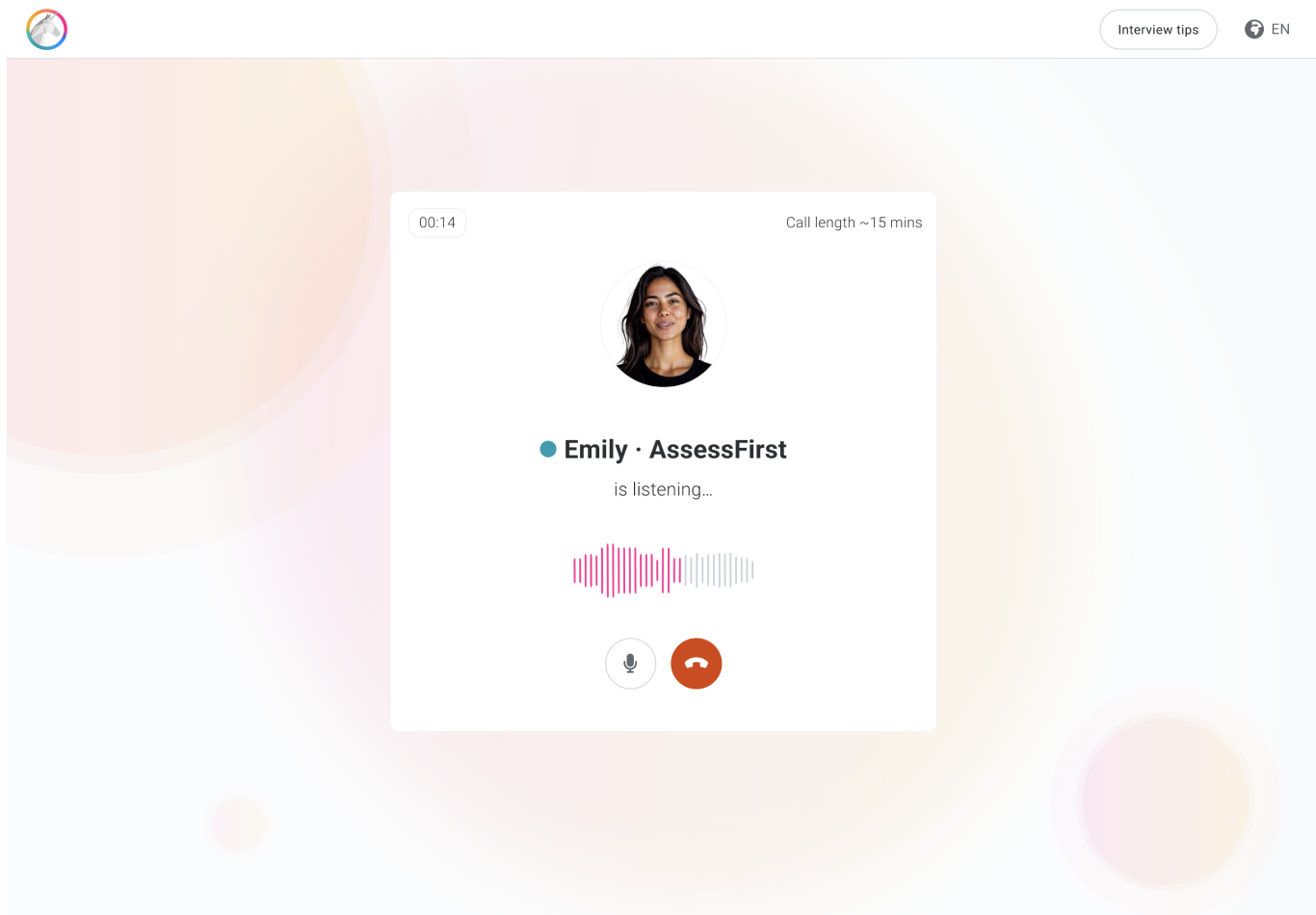
5. Once done, you can then move on to the other questionnaires (SWIPE, DRIVE, BRAIN, VOICE) requested by the recruiter.
6. Once you have completed all the steps, you will see a summary confirming that your questionnaires have been taken into account. You can also see what you still need to do for the other companies that have sent you an invitation.
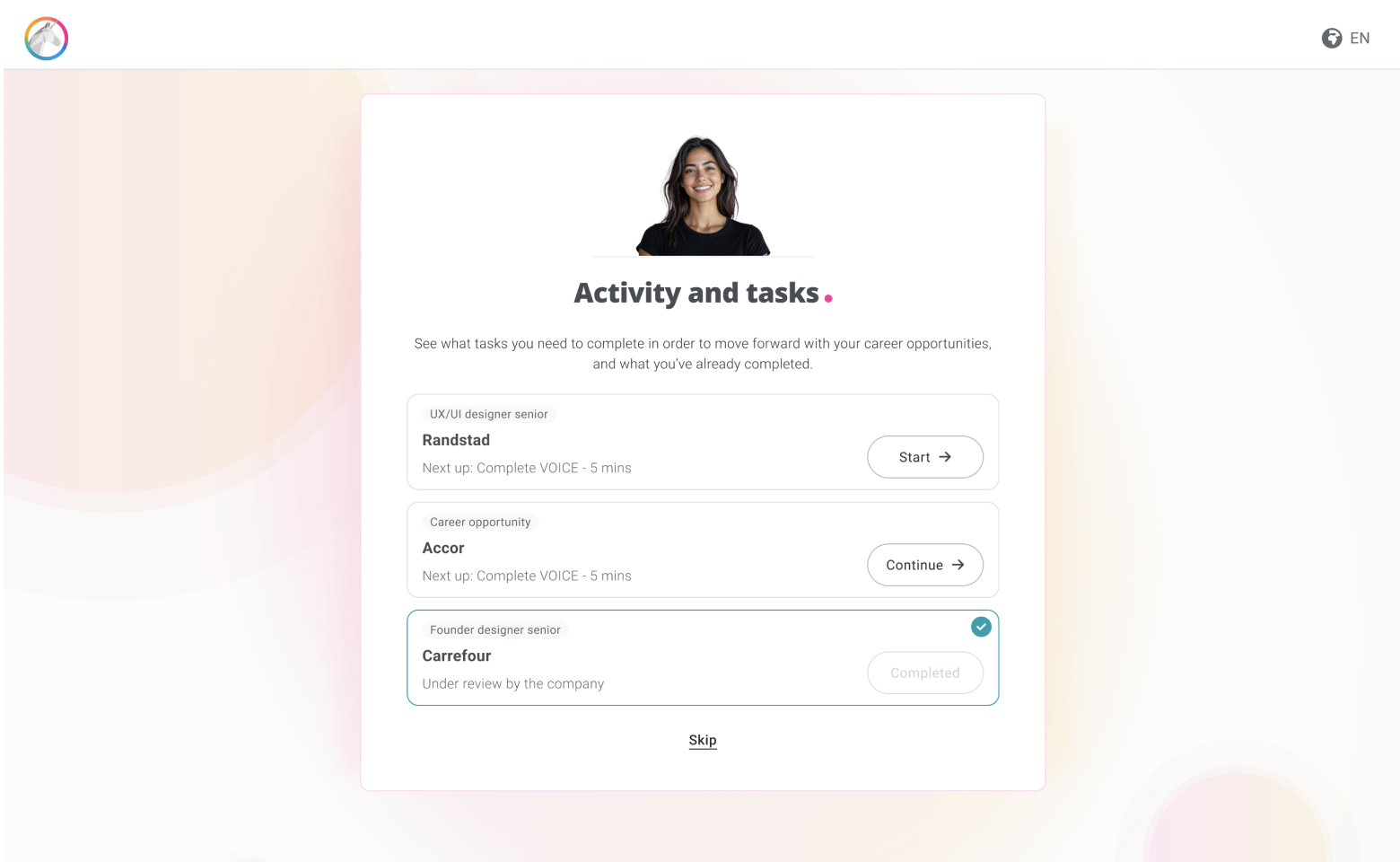
In your personal account, click on the pink ‘Complete your tasks’ button to return to the summary screen.