What need does this article address?
- If your candidate has already completed one or more questionnaires and you want to send them an invitation to take VOICE.
- If you want to invite your candidate to take VOICE only (without SWIPE, DRIVE, and BRAIN).
Step 1: First, you need to create a predictive model with VOICE only.
Beforehand, in the Admin area, you must have checked "Yes" for "Adapt assessment requirements based on predictive models", which is located in the "My company" tab > "Settings":
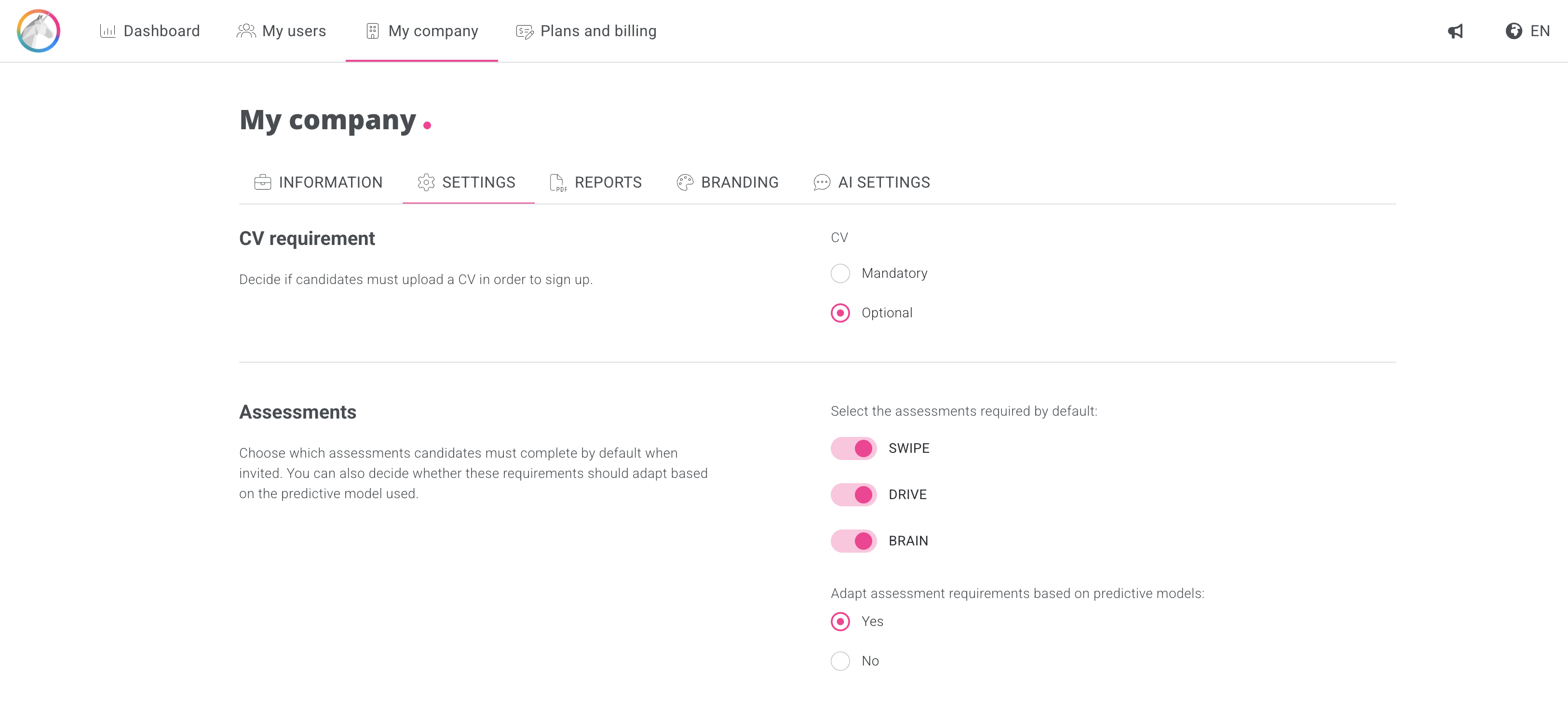
You will then be able to disable the other questionnaires when configuring the predictive model and choose the skills to be assessed with VOICE.
.gif?hsLang=en)
Step 2: you have two options for sending the invitation to take VOICE.
- Via a recruitment campaign:
Once the predictive model has been created, you can create a recruitment campaign and invite candidates into that campaign. They will then be invited to take VOICE, and you will only see the results of that test within that specific campaign.
.gif?hsLang=en)
- Via the candidate's profile:
Once the predictive model has been created, you can go to the candidate's profile and invite them to take VOICE by selecting the relevant predictive model.
.gif?hsLang=en)