SCAN is an AI-powered recruitment assistant that handles the initial screening process, collects essential information, and guides candidates through the job details. AI gathers information from the CV first, then only asks about the remaining criteria.
You can download the SCAN report directly from the candidate's profile, just like the other reports.
The soft skills and hard skills
The screening
In the screening section, you can choose up to 10 criteria related to the position, such as compensation, mobility, etc. You can choose from our criteria or create your own.
If the screening stage is enabled in your predictive model, you can choose between three thresholds to move on to the next stage:
-
All candidates
-
"Suitable/needs review" candidates only
-
"Suitable" candidates only
.gif?hsLang=en)
You can choose how you would like your candidates to complete the interview:
- Writing mode: Candidates can start, pause, and resume their interview at any time, picking up exactly where they left off.
- Speaking mode: Our AI agent conducts the interview with candidates to assess the criteria you have defined. The interview lasts a maximum of 15 minutes and includes a Q&A session at the end.
Your candidate will then receive an invitation by email.
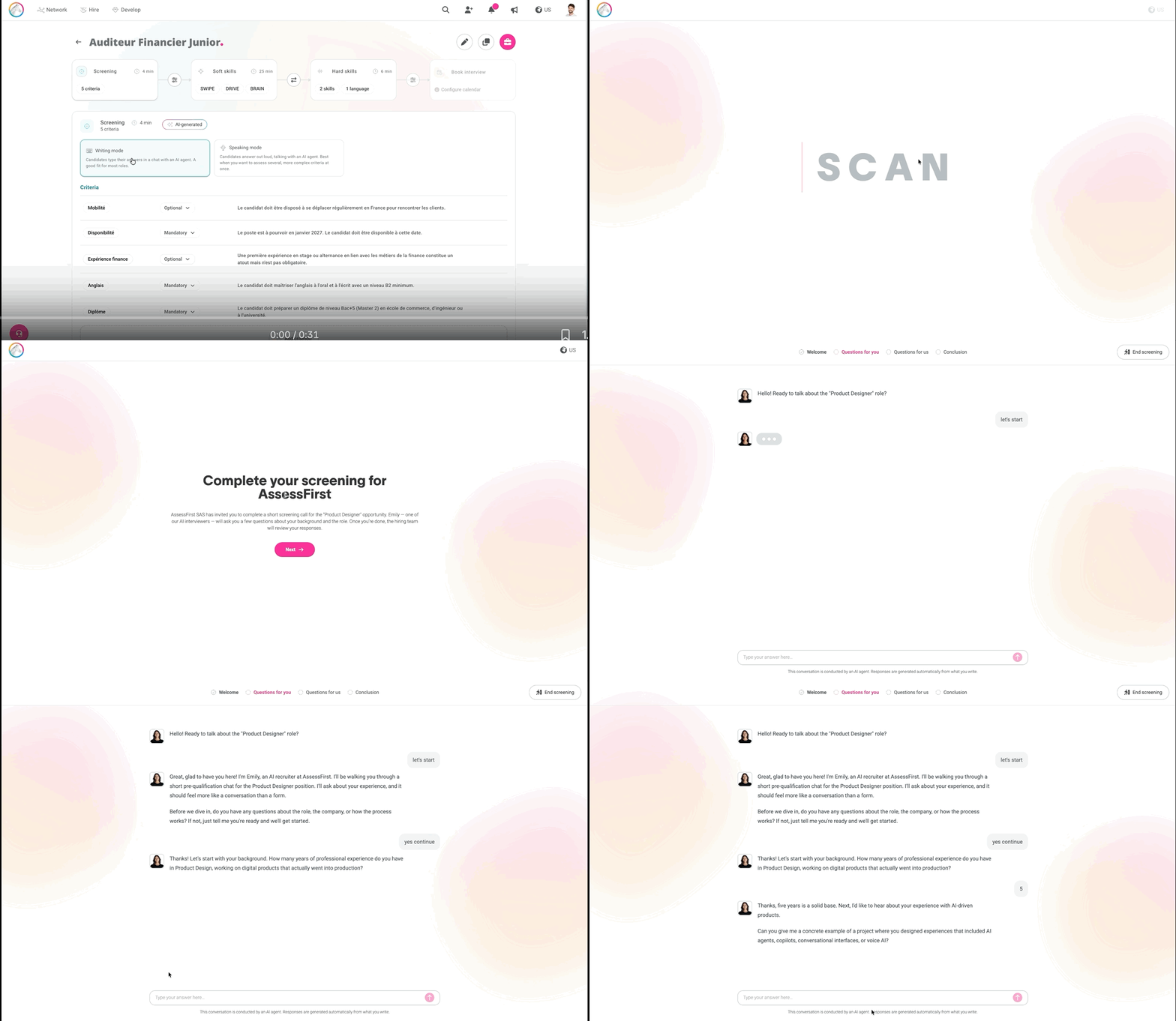
Writing mode will be enabled by default for new predictive models, but you can still select Speaking mode during setup.
The soft skills and hard skills
You can then define the soft and hards skills for each predictive model: How to set up a predictive model?
Book an interview
Finally, you can set a threshold above which candidates move on to the interview stage: for example, more than 70% match with the model. If they meet all the criteria, they will be able to book an interview in your calendar (Google Calendar, Calendly, Microsoft Outlook).
.gif?hsLang=en)
You can disable one or more steps in the predictive model. To do this, hover your mouse over the module you wish to disable and uncheck it.
When at least one candidate has already completed SCAN interview, you can no longer edit or delete criteria.
Here are some articles that may interest you: